Testing Times.
On Monday, I decided to take my Hasselblad out to a regular real-estate job to get the 21mm lens up and running in the field. It was a sunny day, and I went into the back garden to capture some of the lovely bright colours. Within 5 shots, my camera had locked up with the dreaded “Error 10” message, which instructs the user to “restart the camera as the storage could not be accessed” (storage being the 2 ultra-fast, ultra-expensive Sandisk Extreme Pro V90 SD cards). Once I’d done that, the shots I’d captured had somehow disappeared from the camera (although they were there when I loaded the SD card onto the Mac later on). Regrettably, I had to stick the camera back in my case and redo the shots with my trusted Nikon D850. Balls to that - a £9000 combination of camera and lens just can’t be doing that.
So today, after some online, and AI deep-diving into the issue, I had a day without any jobs, so sat down with the gear in an attempt to diagnose the problem before doing anything else. This was my process and the results:
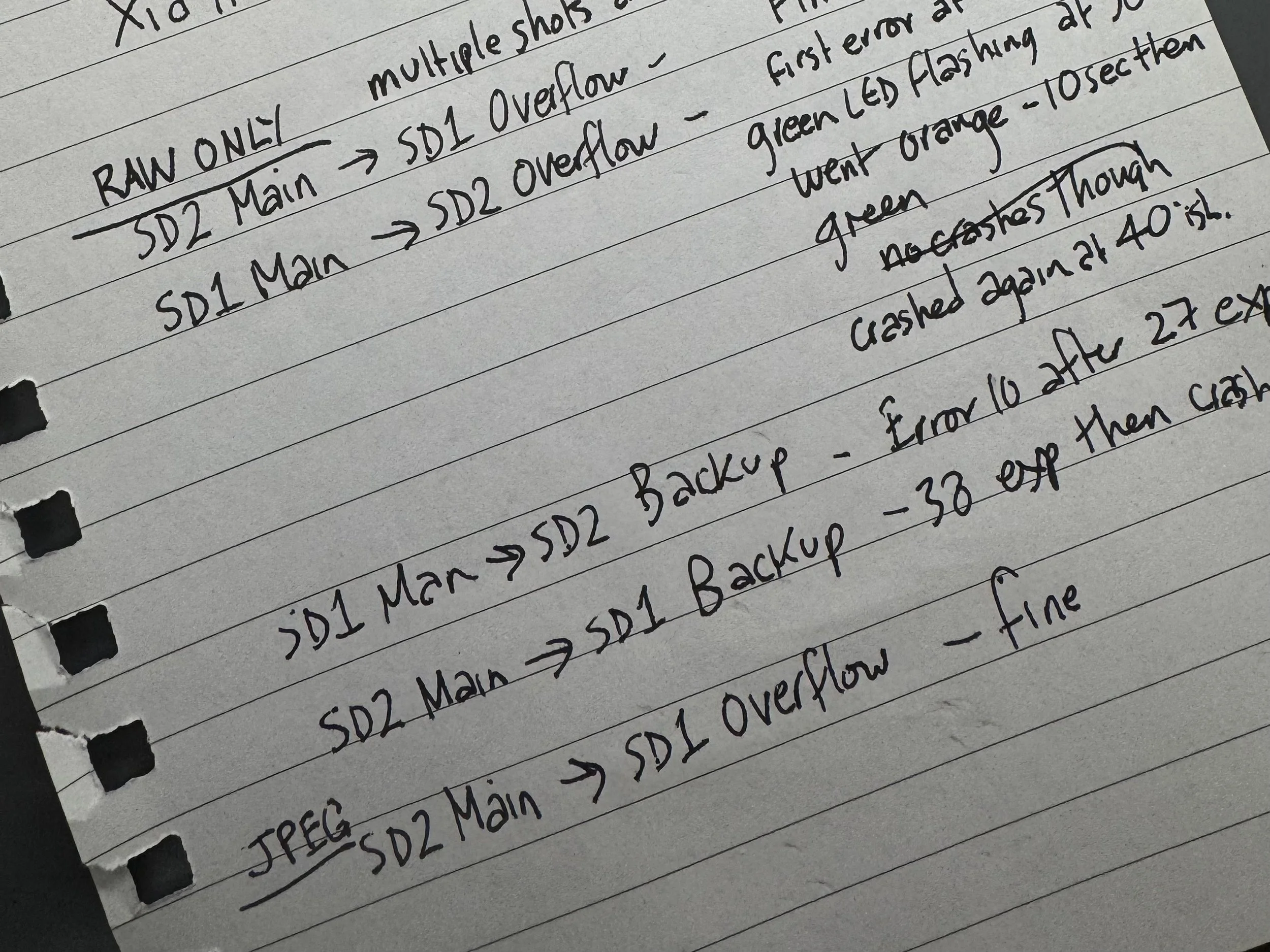
Shooting RAW Files at least 10sec apart, swapping the 2 cards around after each test:
Shoot with No.1 slot as Primary, and No.2 as Overflow. (First crash at frame 4, restarted, continued until crash at frame 40. I then redid the test after blowing into the camera slots, and neither card caused a crash after 60 frames.
Shoot with No.2 slot as Primary, and No.1 as Overflow. (No errors - stopped at 60 frames, both cards)
Shoot with No.1 slot as Primary, and No.2 as Backup. (Crashed at frame 27 in first test, crashed at frame 5 in second test. NO crashes after blowing into the slots, and when the cards were swapped!)
Shoot with No.2 slot as Primary, and No.1 as Backup. (Crashed at frame 38, second test NO crashes either cards after blowing in the slots)
Shoot with No.1 slot by itself. (No errors after 60 frames - both cards)
Shoot with No.2 slot by itself. (No errors after 60 frames - both cards)
By the time I’d finished, the camera was so hot I thought it was going to explode, and to be honest I still haven’t got a clue why the crashes are happening. The main culprit was when I used a specific card in the SD1 slot as the primary, with the second card as a backup, so I might redo that test with both SD cards and both slots over 100 frames each. It’s going to be either a card issue or a communications issue within the camera. I used 2 full batteries just doing this test, and the camera was still quite warm after being rested for 2 hours. Google Gemini was very helpful in assisting with the test, and suggested that there could be an issue with the first card slot or a compatibility issue with the type of card I’m employing. Blowing hard into the card slots seemed to have an effect. It may be something as simple as a bit of dust or whatever on the card reader contacts. Maybe I’ll get a can of compressed air and give it a good blow-out. You never know.